
Your Data Is a Disaster. Here Are the SQL Tricks to Fix It in Minutes
Most analysts fear messy data. You won't after learning these techniques.

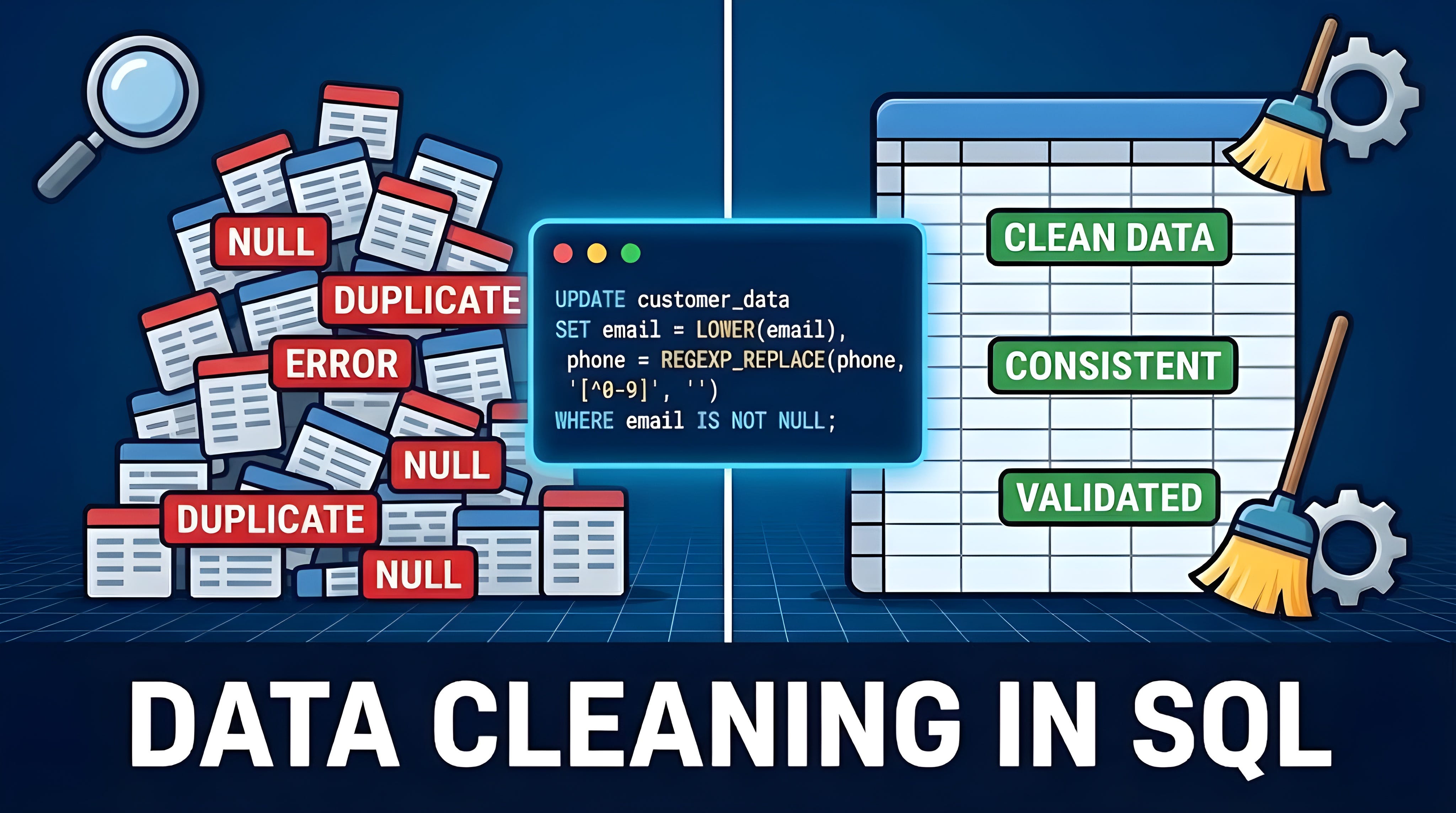
You have been handed a new dataset. Your heart races with the promise of hidden insights.
You run your first SELECT query, and your excitement turns into dread. Dates are formatted three different ways. “New York” and “new york” are listed as different cities. Half the phone numbers are missing, and some entered a salary of-1000. Does this sound familiar?
Welcome to the real world of data, where mess is the default setting.
I will guide you through the entire process, transforming you from someone who fears the dirty data into a confident professional.
Why Your Data is a Mess (And It’s Not Your Fault)?
Before we write a single line of code, let’s get to one thing: dirty data is not your fault.
Data gets messy through human error, system glitches, and merged data sources. If you build a report on a foundation of duplicate records and missing values, your conclusions will be wrong. Data cleaning is the non-negotiable prep work that ensures your analysis, your dashboards, and your business decisions are built on a solid foundation.
Let’s get to that!
Before You Begin: Understand the Task & Profile the Data.
The best data cleaning project starts before any cleaning happens.
First, talk to whoever gave you the task:
What do they need to measure?
Which columns matter?
What counts as “valid” or “usable”?
What’s okay to drop?
The answers to these questions will help you avoid a ton of issues later on.
The Dirty Data Checklist:
Once we picked the columns, look at the result of the query and limit it to 20–30 rows. Anything odd?
Look at these:
Missing values (NULLs and blanks).
Duplicate records.
Inconsistent formatting (dates, casing, spacing).
Wrong data types (dates as text, numbers as strings).
Outliers and impossible values.
Irrelevant or junk data.
Broken relationships (orphaned records).
The Golden Rule: Always Work Safely.
Before diving into techniques establish these best practices to avoid the disaster later:
Never clean your raw data directly.
Create staging tables: this is your sandbox environment.
Fix One Problem at a Time. Don’t write one giant query. Break it down.
Use the backup-first philosophy.
Test with SELECT before UPDATE or DELETE.
Using transactions (BEGIN, COMMIT, ROLLBACK).
Handle Missing Data (NULLs & Blank Values):
Let’s start looking at missing values and run this code:
-- Find all customers who didn’t provide an email
SELECT
  *
FROM
  customers
WHERE
  email IS NULL;
You see some rows appear in the result of a query.
The next question is: what should you do about it?
Option 1: Fill using COALESCE:
Replace the ‘NULL’ with Zero:
UPDATE
  tableName
SET
  numeric_column = COALESCE(numeric_column, 0);
Replace the ‘NULL ’ with placeholders: ‘Other’, “Unknown” for Text Fields:
UPDATE
  tableName
SET
  text_column = COALESCE(text_column, ‘Other’);
In MySQL and PostgreSQL empty text values are not null by default and should be replaced before by using NULLIF:
COALESCE(NULLIF(columnName, ‘’), ‘Replacement value’)ISNULL (IFNULL in MySQL) function replaces one value with another, while COALESCE can support more advanced calculations, like nested queries inside it.
Option 2: Smart imputation using related data:
Sometimes you can fill NULLs by looking at other rows.
Replace the `NULL` with Average:
UPDATE
  tableName
SET
  numeric_column = (
 SELECT AVG(numeric_column)
 FROM tableName
)
WHERE
  numeric_column IS NULL;
Imagine you have two records for the same property (same Parcel ID), but one is missing the address. You can populate it using a self-join:
UPDATE
  properties p1
SET
  address = p2.address
FROM
  properties p2
WHERE
  p1.parcel_id = p2.parcel_id
  AND p1.address IS NULL
  AND p2.address IS NOT NULL;
Option 3: Delete rows when data is critical and can’t be guessed. (Always document this step!)
DELETE FROM transactions WHERE transaction_amount IS NULL;Remove Duplicates:
Duplicates inflate counts, skew averages, and guide you in the wrong direction.
The simple check:
SELECT DISTINCT
  customer_id,
  email,
  name
FROM
  customers;
SELECT
column1,
columnX,
COUNT(*)
FROM
users
GROUP BY
column1, columnX
HAVING
COUNT(*) > 1;This shows unique combinations but doesn’t remove duplicates from your table.
A Distinct function might increase a load time, so use the second option for best results.
Using ROW_NUMBER() with a CTE:
WITH ranked AS (
    SELECT *,
        ROW_NUMBER() OVER (
            PARTITION BY email
            ORDER BY signup_date DESC
        ) AS row_num
    FROM customers
)
DELETE FROM
  ranked
WHERE
  row_num > 1;
Group records by email. Number them 1, 2, 3… Keep only the first one (the most recent signup), and delete the rest.
Important MySQL tip: MySQL doesn’t let you delete directly from a CTE with window functions. You will need to create a temp table with the row_num column first, then delete from that.
Different databases, different rules.
Check Data Types:
This should not be an issue on most databases, but sometimes dates or numbers are stored as text.
Use this code to check the data types:
SELECT
    COLUMN_NAME,
    DATA_TYPE
FROM
    INFORMATION_SCHEMA.COLUMNS
WHERE
    TABLE_SCHEMA = ‘dbo’ AND
    TABLE_NAME = ‘users’;
This is for MS SQL Server. Other dialects have slightly different variations for this code.
This example fixes the issue for numeric data:
SELECT
  CAST(price AS DECIMAL(10,2))
FROM
  products;
If dates are stored in multiple formats, you’ll need dialect-specific functions (TO_DATE, STR_TO_DATE, or CONVERT with style codes).
Fix the Text and Formatting Inconsistencies:
Text data is chaos: people type inconsistently, and systems format differently. Your job is to create an order here.
Clean whitespace:
UPDATE customers
SET name = TRIM(name);
Fix capitalization:
UPDATE customers
SET
    email = LOWER(email),
    country = UPPER(country),
    name = INITCAP(name);
Now emails are always lowercase, country codes are always uppercase, and names are properly capitalized.
Consolidate variations:
UPDATE customers
SET country = REPLACE(country, ‘U.S.A.’, ‘USA’);
Or use CASE WHEN for more complex mapping:
UPDATE
  customers
SET
  country =
    CASE
        WHEN country IN (’US’, ‘U.S.’, ‘USA’, ‘United States’) THEN ‘USA’
        WHEN country IN (’UK’, ‘GB’, ‘United Kingdom’) THEN ‘UK’
        ELSE country
    END;
Chain functions for cleaning:
SELECT
  UPPER(TRIM(REPLACE(country, ‘.’, ‘’))) AS country_clean
FROM
  customers;
This strips periods, trims spaces, and uppercases — all in one go.
Split compound fields:
Sometimes multiple pieces of information are stacked into one column.
An address field containing “123 Main St, New York, NY.” A full name field contains first and last names. You need to split these apart.
SELECT
    SUBSTRING(address, 1, CHARINDEX(’,’, address) - 1) AS street,
    SUBSTRING(address, CHARINDEX(’,’, address) + 2, LEN(address)) AS city
FROM
  properties;
This query finds the comma, then extracts everything before it (street) and everything after it (city).
SQL Server has an improved version of it called PARSENAME. Use it when possible.
Use REPLACE() to fix common variations.
Use regex to validate patterns (emails, phone numbers, IDs).
Find and Handle the Outliers:
I have written a separate article on this topic, so in short, let’s use 2 methods to spot outliers.
IQR method:
WITH stats AS (
    SELECT
        PERCENTILE_CONT(0.25) WITHIN GROUP (ORDER BY value) AS Q1,
        PERCENTILE_CONT(0.75) WITHIN GROUP (ORDER BY value) AS Q3
    FROM your_table
),
iqr_calc AS (
    SELECT
        *,
        (Q3 - Q1) AS IQR,
        Q1 - 1.5 * (Q3 - Q1) AS lower_bound,
        Q3 + 1.5 * (Q3 - Q1) AS upper_bound
    FROM your_table
    CROSS JOIN stats
)
SELECT
    *,
    CASE
        WHEN value < lower_bound OR value > upper_bound THEN ‘Outlier’
        ELSE ‘Normal’
    END AS outlier_flag
FROM iqr_calc;
Z-Score Method:
WITH stats AS (
  SELECT
 AVG(price) AS mean,
 STDEV(price) AS std
 FROM
  sales
)

SELECT
  *
FROM
  sales, stats
WHERE
  ABS((price - mean) / std) > 3;
Is it a mistake? Fix or remove it.
Is it a real but rare event? Keep it, but highlight it.
Also check the strange numbers: negative numbers or zeros for columns where they are unacceptable.
Platform-Specific Tips:
Not all SQL is created equal. Here are key differences:
BigQuery has SAFE_CAST (returns NULL instead of errors) and NORMALIZE (handles Unicode weirdness).
PostgreSQL has DISTINCT ON, which lets you grab the first row from each group — a shortcut for the ROW_NUMBER() pattern.
SQL Server has TRY_CAST and TRY_CONVERT, which safely attempt conversions and return NULL on failure instead of breaking your query.
MySQL doesn’t allow deleting from CTEs with window functions, forcing you to use temp tables.
When in doubt, check your database’s documentation. Five minutes of reading can save you hours of frustration.
Best Practices for Safe & Scalable SQL Cleaning:
You’ve got the fundamentals. Here’s the path that the pros follow:
Don’t Auto-Delete; Flag Instead. Before you
DELETE, consider flagging suspicious records for human review.
ALTER TABLE
  customers
ADD COLUMN
  needs_review BOOLEAN DEFAULT false;

UPDATE
  customers
SET
  needs_review = true
WHERE
  age > 120 OR email NOT LIKE ‘@%’;
Prevention is Better Than Cure. After cleaning, add constraints to keep future data clean.
ALTER TABLE
  customers
ADD
  CONSTRAINT valid_email CHECK (email LIKE ‘%@%.%’),
ADD
  CONSTRAINT reasonable_age CHECK (
    age BETWEEN 0
    AND 120
  );
Always work on a copy first.
Use CTEs to break complex cleaning into steps.
Wrap risky updates in transactions.
Document your transformations.
Validate before and after.
Add constraints (NOT NULL, UNIQUE, CHECK) to prevent future mess.
Automate: Write scripts. Schedule jobs. Make cleaning process repeatable.
Common Pitfalls and How to Avoid Them:
Hidden spaces and encoding issues: “John” and “John “ look identical but aren’t. Always TRIM.
NULL confusion:
WHERE column = NULLnever works. UseWHERE column IS NULL.Accidentally deleting good data: Test with SELECT first. Always. No exceptions.
Over-cleaning: Don’t delete valid outliers just because they’re unusual. Investigate first.
Not documenting changes: Write comments explaining why you made each decision.
The row multiplier effect: Joining two tables where both have duplicates can explode your row count. Aggregate before joining when possible.
To Fix or to Filter? The Big Debate
There is an ongoing debate in data teams: Should you permanently fix dirty data in the source table or filter it out during each query?
The “Fix It” camp says: Clean once, use everywhere. Update those tables. Standardize at the source. Every analyst downstream gets clean data automatically.
The “Filter It” camp says, “Leave raw data untouched.” Apply cleaning logic in views or during queries. This preserves the original and lets you change cleaning rules without altering source data.
The truth? Most teams do both. They fix obvious errors (extra spaces, wrong data types) at the source but handle subjective decisions (which duplicate to keep, how to fill NULLs) in views or transformation layers.
Context always matters. Do you have high-stakes production data? Fix carefully and document everything. For exploratory analysis, filter in your queries and move fast.
Have a specific cleaning challenge? Drop it in the comments. I read every single one, and your question might inspire the next guide.
If you found this guide helpful, hit subscribe and share your thoughts in the comments, or let me know which SQL cleaning trick you rely on the most, if you want a follow-up deep dive .