
Stop Writing 5 Queries When You Only Need One
SQL Window Functions: The analytical superpower that makes complex queries ridiculously simple.

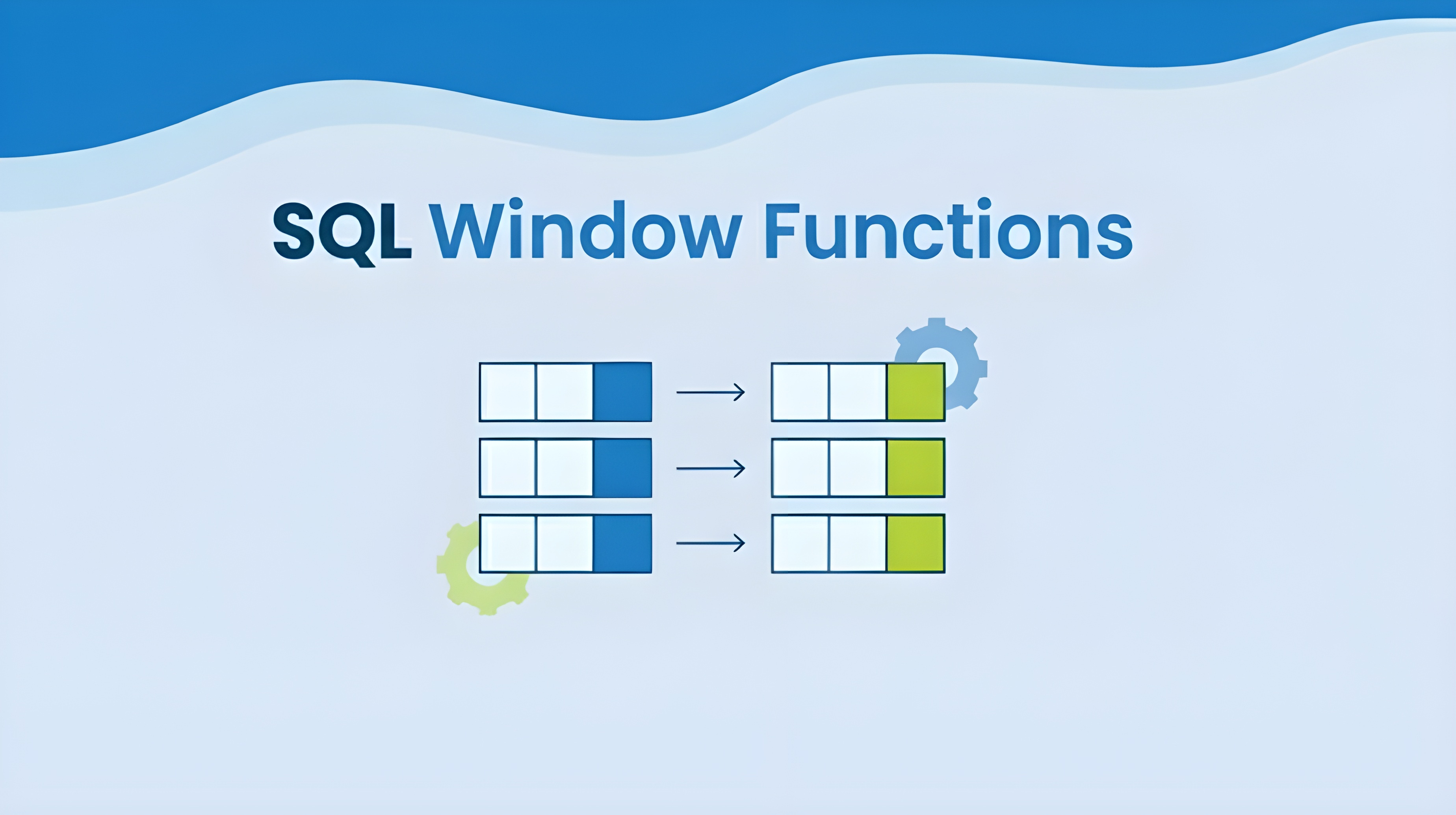
Do you know that feel when you are three subqueries deep, your JOIN logic looks like a spider web, and you forgot what question you were even trying to answer?
Window functions solve that problem.
They let you do the complex, analytical calculations while keeping every original row of data visible.
Window functions have been in SQL since 2003, yet they remain underutilized in analytics.
Today, I am breaking down everything you need to know about SQL window functions, from the basics to the advanced techniques I use every day.
By the end of this article, you will wonder how you ever lived without it.
The Problem
You are building a sales dashboard.
You have a simple request: show each salesperson’s monthly performance alongside their department average, their rank within the team, and their running total for the year.
What is the traditional SQL approach?
Query 1: Calculate department averages (GROUP BY).
Query 2: Rank salespeople (correlated subquery).
Query 3: Build running totals.
Query 4: JOIN everything together.
Query 5: Debug why the row counts don’t match.
What do you have as a result? Five queries and multiple passes through the same data.
What Are the Window Functions?
Think of a window function as a lens sliding across your data.
For each row, it can look at neighboring rows: before, after, or within the same group, and run a calculation.
Unlike a GROUP BY, which folds all rows into one summary, window functions keep every original row while adding calculated context columns.
Example:
SELECT
  department,
  employee_name,
  salary,
  AVG(salary) OVER (PARTITION BY department) AS dept_avg
FROM employees;
Each employee has a row, and now you also see the department’s average salary.
Why This Matters?
Window functions solve real analytical problems you face every day:
Scenario 1: Performance Reviews
You need to show each employee how they compare to their team average. Without window functions, you’re building a subquery to calculate the average, then joining it back. With windows? One line: AVG(salary) OVER (PARTITION BY team).
Scenario 2: Financial Reporting
Your CFO wants cumulative revenue by month. The old way: self-join the table to itself for each previous month. The window way: SUM(revenue) OVER (ORDER BY month). Done.
Scenario 3: Finding Top Performers
“Show me the top 3 salespeople in each region.” You write ROW_NUMBER logic in a subquery, filter, and hope that you got the GROUP BY right. Windows make this task trivial.
The Performance Bonus
Window functions scan your data once. There is a huge difference between a 2-second query and a 10-second one. Now add a long table, and the difference will be dramatic.
The Readability Bonus
Six months from now, when you (or your colleague) need to modify the query, which would you rather debug: a nested subquery or a clean window function with clear PARTITION BY logic?
I am not exaggerating when I say window functions have cut my average query development time by 30–40%.
Let me show you how they work.
The Core Anatomy: Breaking Down OVER()
Every window function follows this pattern:
FUNCTION() OVER (
    [PARTITION BY column]
    [ORDER BY column]
    [ROWS/RANGE frame_specification]
)
The OVER() clause is what makes a function a window function. Inside those parentheses, you are defining your “viewing window.”
PARTITION BY: “Which group am I looking at?” (Focusing on one department at a time)
ORDER BY: “In what sequence?” (Arranging things chronologically or by value)
ROWS/RANGE: “How many rows am I including?” (Zoom in to see nearby rows, or zooming out to see everything)
All three are optional. An empty OVER() means “look at the entire dataset as one window.”
Let me show you each piece in action:
-- No partitioning: one big window over all rows
SELECT name, salary,
    AVG(salary) OVER () as company_average
FROM employees;
-- With PARTITION BY: separate windows per department
SELECT name, department, salary,
AVG(salary) OVER (PARTITION BY department) as dept_average
FROM employees;-- With ORDER BY: creates cumulative calculation
SELECT date, sales,
SUM(sales) OVER (ORDER BY date) as running_total
FROM daily_sales;Window functions fall into three main categories, and each solves a different kind of analytical question.
1. Aggregate Functions:
Use familiar functions SUM, AVG, COUNT, MIN, MAX. Put them inside an OVER() clause.
Running Totals:
SELECT
    order_date,
    daily_revenue,
    SUM(daily_revenue) OVER (ORDER BY order_date) as cumulative_revenue
FROM sales;
What do you get: every row shows its own daily revenue PLUS the running total up to that point. No self-joins. No subqueries. Just pure, elegant SQL.
Group Comparisons: The Performance Review Pattern.
Do you want to show how each employee in comparison to their team? Here is the pattern:
SELECT
    employee_name,
    department,
    salary,
    AVG(salary) OVER (PARTITION BY department) as dept_avg,
    salary - AVG(salary) OVER (PARTITION BY department) as difference
FROM employees;
2. Ranking Functions:
These functions give each row a position within its window. It is essential for “top N per group” problems.
SELECT
    product_name,
    sales,
    ROW_NUMBER() OVER (ORDER BY sales DESC) as row_num,
    RANK() OVER (ORDER BY sales DESC) as rank,
    DENSE_RANK() OVER (ORDER BY sales DESC) as dense_rank
FROM products;
When to use which?
ROW_NUMBER(): When you need exactly N rows (pagination, deduplication).
RANK(): Competition-style ranking where ties create gaps (Olympics medals).
DENSE_RANK(): Continuous ranking without gaps (salary bands).
NTILE(N): Divides the partition into a specified number of equal-sized buckets or groups (split phones into 3 buckets: expensive, mid-range, and cheaper).
3. Value Functions:
These functions let you grab values from other rows relative to your current position.
LAG():
SELECT
    month,
    revenue,
    LAG(revenue) OVER (ORDER BY month) as previous_month,
    revenue - LAG(revenue) OVER (ORDER BY month) as month_over_month_change
FROM monthly_sales;
For each month, you pulled the previous month’s revenue onto the same row. Now calculating growth is simple arithmetic.
LEAD() does the opposite by looking forward:
SELECT
    date,
    inventory_level,
    LEAD(inventory_level, 7) OVER (ORDER BY date) as level_next_week
FROM warehouse;
The Year-Over-Year Growth:
I use this constantly in my practice:
SELECT
    year,
    month,
    sales,
    LAG(sales, 12) OVER (ORDER BY year, month) as sales_last_year,
    (sales - LAG(sales, 12) OVER (ORDER BY year, month))
        / LAG(sales, 12) OVER (ORDER BY year, month) * 100 as yoy_growth_pct
FROM monthly_sales;
FIRST_VALUE() and LAST_VALUE():
SELECT
    customer_id,
    order_date,
    order_amount,
    FIRST_VALUE(order_date) OVER (PARTITION BY customer_id ORDER BY order_date) as first_purchase
FROM orders;
Every row now shows when that customer made the first purchase.
Window Functions vs. GROUP BY
GROUP BY summarizes and collapses rows.
Window functions are used to analyze and enrich rows.
Performance and Optimization
Window functions can be heavy if used carelessly.
When Window functions perform well:
You indexed the columns in PARTITION BY and ORDER BY.
You filtered data BEFORE the window function runs (use WHERE).
You are working with reasonable data volumes (millions instead of billions).
When Window functions struggle to perform:
No indexes on partition/order columns (forces table scans)
Multiple complex windows in a single query (multiple sorts)
Huge partitions that don’t actually reduce the data size
Use these strategies to improve the query performance:
Use The POC Index Strategy:
Create indexes following this pattern:
Partition columns, Order columns, Covering columns.
CREATE INDEX idx_sales_performance
ON sales (region, sale_date, amount, salesperson_id);
2) Filter early: (use WHERE before window functions).
3) Avoid unnecessary SELECT * and multi-column ORDER BY.
4) Pre-aggregate large tables in a CTE or subquery first.
Common Pitfalls (and How to Avoid Them):
Forgetting ORDER BY When Sequence Matters.
-- ❌ Wrong: This gives you a random running total
SUM(amount) OVER (PARTITION BY customer_id)
-- ✅ Right: This gives you a chronological running total
SUM(amount) OVER (PARTITION BY customer_id ORDER BY order_date)Without ORDER BY, the window includes all rows in the partition, and the “running” total is the total for each row.
2. Confusing PARTITION BY with GROUP BY.
They look similar, but:
GROUP BY: Collapses rows (one output row per group)/
PARTITION BY: Keeps all rows (same number of output rows as input)/
3. The LAST_VALUE() Trap.
-- ❌ This probably doesn’t do what you think
LAST_VALUE(amount) OVER (PARTITION BY customer ORDER BY date)
-- ✅ You need to specify the full frame
LAST_VALUE(amount) OVER (
PARTITION BY customer
ORDER BY date
ROWS BETWEEN UNBOUNDED PRECEDING AND UNBOUNDED FOLLOWING
)Without the explicit frame, LAST_VALUE only looks from the start of the partition to the current row, and returns the current row value.
4. Trying to Filter Window Functions in WHERE clause.
-- ❌ This won’t work - window functions run after WHERE
SELECT *
FROM sales
WHERE ROW_NUMBER() OVER (PARTITION BY region ORDER BY amount DESC) <= 5;
-- ✅ Use a CTE or subquery
WITH ranked AS (
SELECT *,
ROW_NUMBER() OVER (PARTITION BY region ORDER BY amount DESC) as rank
FROM sales
)
SELECT * FROM ranked WHERE rank <= 5;5. Mixing Windows and GROUP BY Without Understanding Execution Order.
SQL executes in this order: FROM → WHERE → GROUP BY → HAVING → SELECT (windows) → ORDER BY
-- This works because window runs after GROUP BY
SELECT
    category,
    SUM(sales) as total_sales,
    RANK() OVER (ORDER BY SUM(sales) DESC) as rank
FROM products
GROUP BY category;
-- ❌ But this doesn’t work (can’t reference individual rows after GROUP BY)
SELECT
category,
product_name, -- Error: product_name not in GROUP BY
SUM(sales) as total_sales
FROM products
GROUP BY category;6. Trying to use functions, which are not supported by your SQL dialect.
Window functions are part of the SQL standard, but implementations may vary.
What Works Everywhere:
Basic OVER() with PARTITION BY and ORDER BY
ROW_NUMBER(), RANK(), DENSE_RANK()
LAG(), LEAD(), FIRST_VALUE(), LAST_VALUE()
Aggregate functions (SUM, AVG, COUNT, MIN, MAX) as windows.
7. Ignoring NULLs → use COALESCE or filter them out.
Best Practices:
Window functions can get complex fast. Here is how to keep them maintainable.
Use Named Windows for Reuse .
SELECT
    name,
    salary,
    AVG(salary) OVER w as avg_sal,
    MAX(salary) OVER w as max_sal
FROM employees
WINDOW w AS (PARTITION BY department ORDER BY hire_date);
Make sure to check the documentation as it might not work in all SQL dialects.
2. Use CTEs to Stage the Complex Logic.
-- Break complex window queries into steps
WITH daily_aggregates AS (
    SELECT
        sale_date,
        SUM(amount) as daily_total
    FROM sales
    GROUP BY sale_date
),
with_moving_avg AS (
    SELECT
        sale_date,
        daily_total,
        AVG(daily_total) OVER (
            ORDER BY sale_date
            ROWS BETWEEN 6 PRECEDING AND CURRENT ROW
        ) as seven_day_avg
    FROM daily_aggregates
)
SELECT * FROM with_moving_avg
WHERE daily_total > seven_day_avg * 1.5;  -- Flag outliers
Each CTE has a clear purpose. It is much easier to debug one CTE than one massive query.
3. Use meaningful column aliases.
LAG(order_amount, 1) OVER (
    PARTITION BY customer_id
    ORDER BY order_date
) as previous_order_amount
4. Know When to Split.
If you are using 5+ different window specifications in one query, consider breaking it into multiple steps.
5 . Define Frame specifications.
Define exactly which rows to include in the calculation:
ROWS BETWEEN 6 PRECEDING AND CURRENT ROWROWS vs RANGE
ROWS= counts by position (e.g., last 3 rows)RANGE= counts by value (e.g., all rows with same date)
6. Stack multiple window functions
Combine ranking + running totals + comparisons in one query.
Window functions are one of those SQL features that feel intimidating until you use them, and then you can’t imagine writing queries without them.
What’s your favorite use case: rankings, moving averages, or something more creative?
Drop it in the comments or share a query.
Subscribe for more guides and best practices!